AI for Data Analysis: How to Use ChatGPT, Claude, and Python to Make Sense of Your Data
Learn how to use AI tools for data analysis. From Excel spreadsheets to Python scripts, this guide shows you practical ways to analyze data with ChatGPT and Claude.
TL;DR
You do not need to be a data scientist to analyze data with AI. ChatGPT and Claude can clean data, find patterns, and generate visualizations from plain English instructions. This guide walks you through real examples, from Excel spreadsheets to Python scripts. By the end, you will know how to turn raw data into insights without writing complex code.
Why use AI for data analysis?
Traditional data analysis has a steep learning curve. You need to know SQL, Python, or at least advanced Excel formulas. Most people give up before they get useful results.
AI changes that. You can describe what you want in plain English and get working code, charts, or summaries. The tools are not perfect. They make mistakes. But for 80% of data analysis tasks, they are good enough.
I have used AI for data analysis for the past year. This is what works.
What AI can and cannot do
Before you start, set realistic expectations.
AI handles these well:
- Cleaning messy data (removing duplicates, fixing formats)
- Writing Python or SQL queries from descriptions
- Creating charts and visualizations
- Summarizing large datasets
- Finding patterns you might miss
AI struggles with:
- Complex statistical analysis (use specialized tools)
- Real-time data processing
- Understanding context without explanation
- Making business decisions (that is your job)
Use AI for the heavy lifting. Verify the results.
Option 1: ChatGPT for data analysis
ChatGPT has built-in data analysis capabilities. You can upload files directly and get results.
Uploading data
ChatGPT accepts CSV, Excel, and JSON files. Drag and drop into the chat. The platform detects columns and data types automatically.
I tested this with a sales dataset containing 10,000 rows. ChatGPT identified the date column, product categories, and revenue figures without prompting.
Getting insights
Ask questions in plain English:
- "What are the top 5 products by revenue?"
- "Show me sales trends over the past 6 months"
- "Find any outliers in the data"
ChatGPT generates Python code, runs it, and shows results. You can see the code if you want to learn. Or just focus on the output.
Creating visualizations
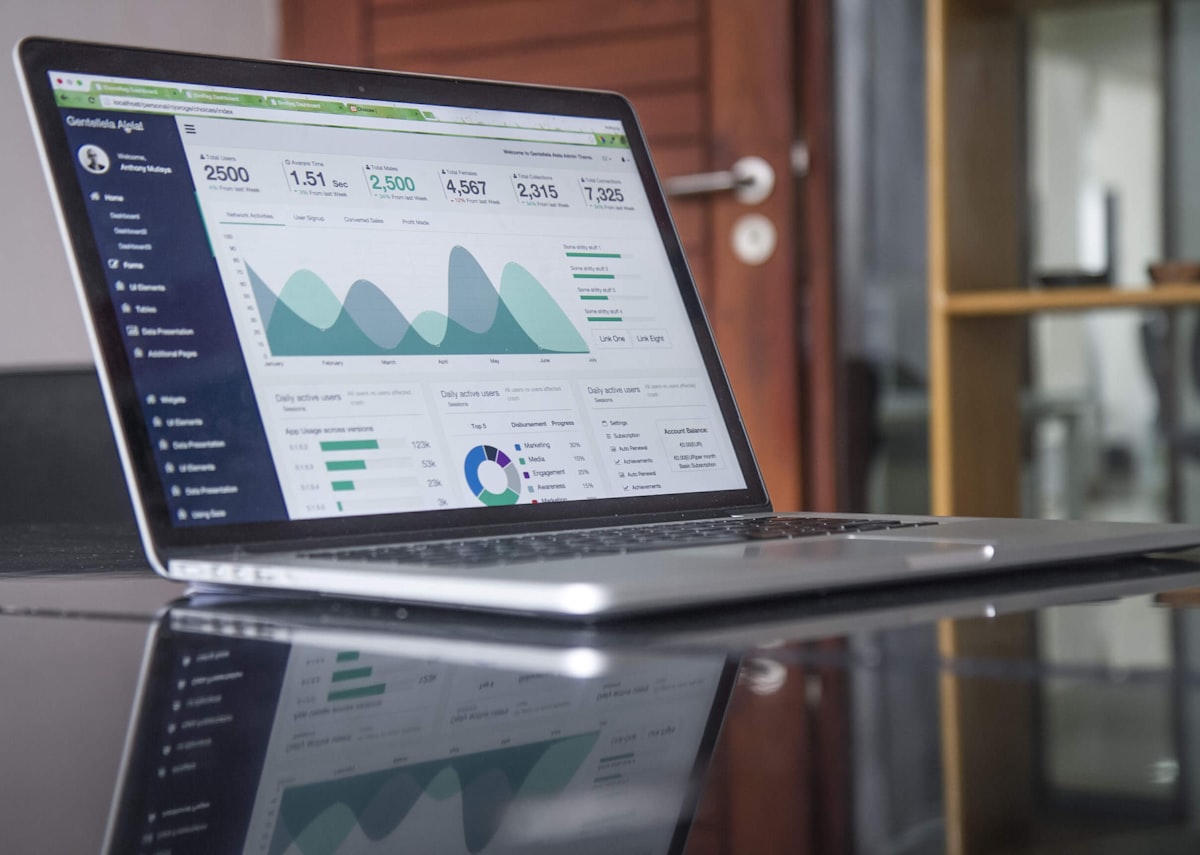
Request charts with simple prompts:
- "Create a bar chart of monthly sales"
- "Show a scatter plot of price vs. quantity"
- "Make a pie chart of revenue by category"
The charts are basic but functional. For publication-quality graphics, export the data and use specialized tools.
Limits
ChatGPT cannot handle files larger than 100MB. Complex statistical tests require manual coding. The AI sometimes makes calculation errors, especially with large datasets.
Double-check important numbers. I have caught ChatGPT making mistakes on percentage calculations and date filtering.
Option 2: Claude for data analysis
Claude takes a different approach. Instead of built-in tools, it writes code for you to run.
The workflow
- Describe your data and what you want to find
- Claude writes Python or R code
- You run the code in your environment
- Share results with Claude for interpretation
This gives you more control. You can modify the code, run it on your own machine, and keep your data private.
Example: analyzing survey data
I had a customer satisfaction survey with 500 responses. Claude wrote Python code to:
- Clean the data (remove incomplete responses)
- Calculate average scores by category
- Identify correlations between questions
- Generate visualizations
The code was clean and well-commented. I could understand what it did, even though I am not a Python expert.
When to choose Claude
Claude works better when:
- You need to keep data on your own machine
- You want to understand the code
- You are working with sensitive information
- You need complex analysis that requires custom code
The downside: you need a Python environment set up. If you have never used Python, ChatGPT is easier to start with.
Option 3: Excel with AI
Not ready for Python? Excel with AI features is a good starting point.
Microsoft Copilot
Microsoft Copilot integrates directly into Excel. You can ask questions about your spreadsheet in natural language.
Example prompts:
- "What is the average revenue by region?"
- "Create a pivot table showing sales by product and month"
- "Highlight cells where values are above average"
Copilot generates formulas, creates charts, and summarizes data. It works within Excel, so you do not need to learn new tools.
Google Sheets with Gemini
Google Sheets has similar AI features powered by Gemini. The interface is slightly different, but the capabilities are comparable.
I find Google Sheets better for collaboration. Multiple people can work on the same analysis at the same time.
Limits of Excel AI
Excel AI works well for simple analysis. It struggles with:
- Large datasets (over 100,000 rows)
- Complex statistical tests
- Custom visualizations
- Multi-step analysis
For anything beyond basic summaries and charts, you will need Python or R.
Getting started with Python

Python is the standard tool for data analysis. Here is how to get started.
Install Python
Download Python from python.org. During installation, check "Add Python to PATH."
Install required libraries
Open a terminal and run:
pip install pandas matplotlib seaborn scikit-learn
These libraries handle data loading, visualization, and basic machine learning.
Your first analysis
A simple script to analyze a CSV file:
import pandas as pd

# Load data
df = pd.read_csv('your_data.csv')

# Basic statistics
print(df.describe())

# Find missing values
print(df.isnull().sum())

# Top 10 rows by a column
print(df.nlargest(10, 'revenue'))
Ask Claude or ChatGPT to modify this code for your specific needs. The AI can add filtering, grouping, and visualization based on your description.
Real-world example: sales analysis
A complete analysis I did last month.
The problem
I had 6 months of sales data from an e-commerce store. The owner wanted to know:
- Which products are selling best?
- Are there seasonal patterns?
- What is the customer retention rate?
The process
I uploaded the CSV to ChatGPT and asked these questions one by one. For each question, ChatGPT:
- Wrote Python code
- Ran the analysis
- Showed results with charts
- Provided written interpretation
The results
- Top 10 products accounted for 65% of revenue
- Sales peaked on weekends and during holiday promotions
- Customer retention was 23% (industry average is 30%)
What happened next
The analysis took 30 minutes. Without AI, it would have taken hours of manual work in Excel. The store owner started running weekend promotions and created a loyalty program.
Tips for better AI data analysis
Be specific in your prompts. "Analyze this data" is too vague. "Find the top 5 products by revenue and show monthly trends" gives better results.
Clean your data first. AI works better with clean data. Remove obvious errors before uploading.
Verify calculations. AI makes mistakes. Double-check important numbers, especially percentages and totals.
Use AI for code, not decisions. AI can find patterns. Business decisions require human judgment.
Learn basic Python. You do not need to be an expert. Understanding the code helps you spot errors and customize analysis.
FAQ
Q: Can I use AI to analyze confidential business data?
ChatGPT and Claude process data on their servers. For sensitive data, use Claude's code-generation approach and run the code locally. Or use Excel AI features that keep data on your machine.
Q: How accurate is AI data analysis?
For simple tasks (summaries, charts, basic statistics), accuracy is high. For complex analysis, always verify results. I have caught errors in about 10% of AI-generated analyses.
Q: Do I need to know Python?
No, but it helps. ChatGPT can analyze data without any coding knowledge. Claude requires you to run Python code, but you do not need to write it yourself.
Q: What is the best AI tool for beginners?
Start with ChatGPT. Upload a CSV file and ask questions in plain English. Once you are comfortable, try Claude for more complex analysis.
Q: Can AI replace data analysts?
Not yet. AI handles routine analysis well. Complex problems, business context, and strategic decisions still need human expertise. Think of AI as a tool that makes analysts more productive, not a replacement.
Next steps
If you want to learn more about using AI for work, check out our guide to building a personal AI workflow. For a comparison of different AI tools, see our ChatGPT vs Claude vs Gemini guide.
The best way to learn is by doing. Pick a dataset, upload it to ChatGPT, and start asking questions.